
切回来,还是熟悉的位置。
已有窗口保持顺序,新窗口接在后面。少一点来回寻找,顺手回到刚才的事。
跨屏找窗口,按事情收好。
这个筛选暂时没有窗口。
任务还在继续,你可以离开一会儿。
退出 Unau 后结束,不会自动开启。
擦一下键盘,不用先关电脑。
留 3 秒移开双手,再进入保护。
鼠标与触控板仍可使用。长按 Esc 2 秒可退出。
跨屏找到窗口,回到刚才的工作。
已有窗口保持顺序,新窗口接在后面。少一点来回寻找,顺手回到刚才的事。
论文、笔记、博客,放进「阅读」。集合整理手边的窗口,桌面保留你摆好的样子。
试试窗口集合未固定时,选中窗口便收起。想留着对照,也可以固定在屏幕上。
集合名称、成员信息和顺序保存在本机。重启后,由你确认要重新关联的窗口;当前运行期间,也会记住各个集合的浏览位置。
辅助功能用于查找和切换窗口。想看画面预览时,再开启屏幕录制权限;预览在本机处理。也可以只用应用图标和标题辨认窗口。
编辑器、终端、文档同时开着,或常在不同屏幕间寻找窗口时,Unau 帮你按窗口辨认、按事情归集。它主要照顾「找到它,回到它」这一步;移动和分屏仍用你习惯的方式。
雨停以后,街角的银杏又亮了一点。
今天的散步,走到这里就好。
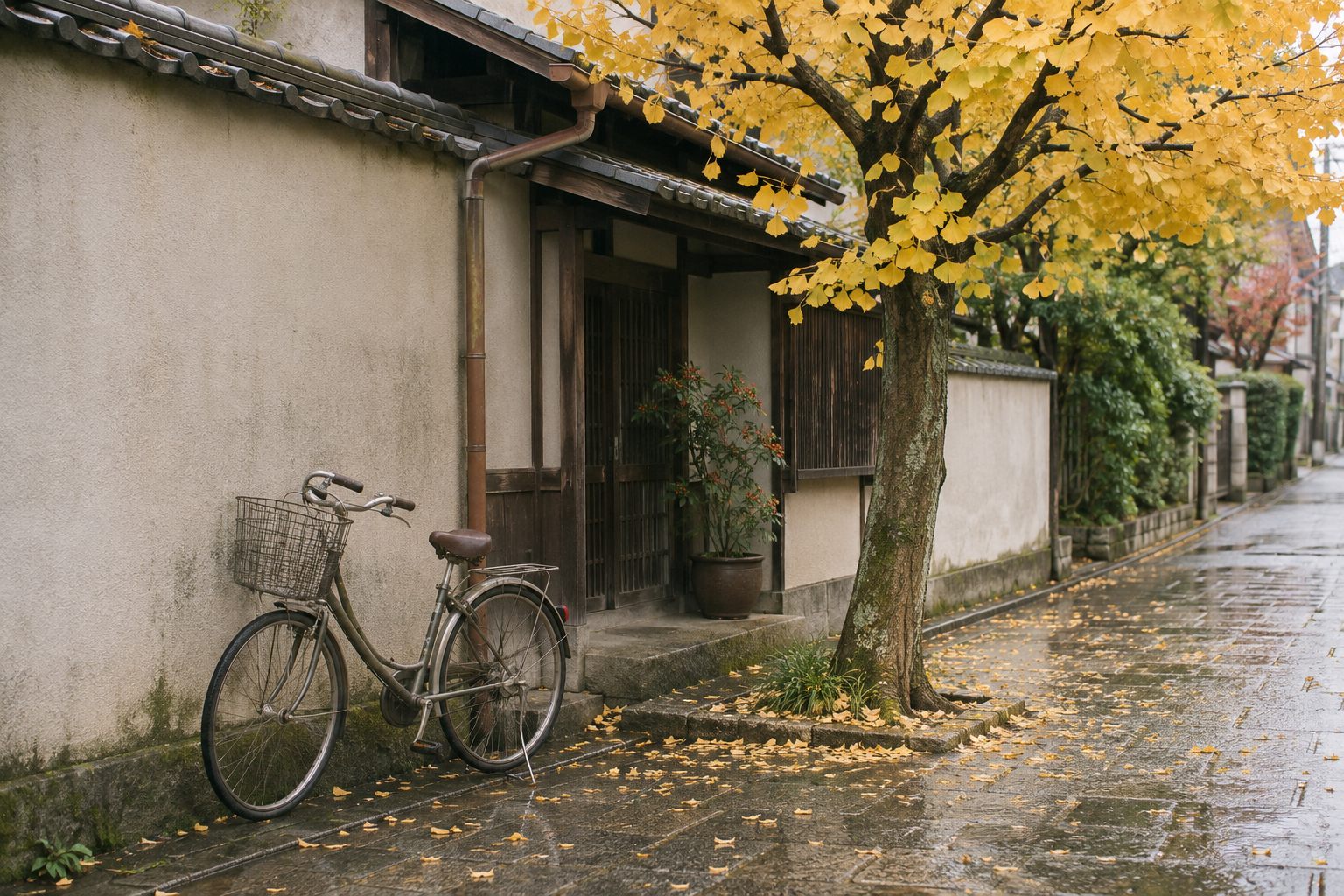
把路上看到的颜色,留在今天的手记里。
 ▷
从一条安静的海岸小路开始。
风声、海浪,还有暂时不用赶路的下午。
Attention provides a way to relate different parts of a sequence. This reading view brings the main idea and architecture into one place.
Instead of following every word in order, the model can compare positions directly and represent their relationships.
How does a model decide which context matters? A useful starting point is to look at the path information takes through each layer.
This sample layout illustrates a paper window in Unau. Read the original paper for its methods and results.
Figure 1 · Architecture overview
Look at the encoder and decoder, then return to the text. Keep the related notes within reach.
有时候,让工作继续下去的,是少一点来回寻找。
下午重新打开电脑时,刚才的思路还停在半页笔记里。论文、编辑器、几篇参考文章,各自在熟悉的位置。
让工具记住位置,让自己接着想。
我越来越喜欢这样的工具:需要时找得到,用完便安静待着。它照顾好细小的衔接,把一段完整的时间留给你。
把当前词语作为一个问题,再去其他位置寻找有关的线索。先理解信息如何流动,再回头看公式。
回看 Figure 1
1import type { Note } from './notes'
;2 3export function searchNotes(4 notes: Note[],5 query: string,6): Note[] {7 const term = query.trim().toLowerCase();8 if (!term) return [];9 10 return notes.filter(({ title, body }) =>11 [title, body].some(text =>12 text.toLowerCase().includes(term)13 )14 );15}给随笔加上搜索,支持标题与正文,忽略大小写。
先看现有结构,再补上搜索与边界检查。
搜索已接好。空查询、大小写、标题与正文都已检查。
从标题与正文中查找随笔,保留原有的排列顺序。
/api/notes/searchqstring必填要查找的词语。忽略大小写与首尾空格。
limitinteger返回条数,范围 1–50。默认 20。
每篇随笔包含标题、摘要与唯一标识。
没有匹配时,notes 返回空数组。